Genea MCP

Access control, in plain language

Genea MCP connects the AI assistant your team already uses to your Genea account. Ask for what you need in plain English, review the change, and approve it. Everyone works within the permissions they already have, and every action is recorded in your audit log.
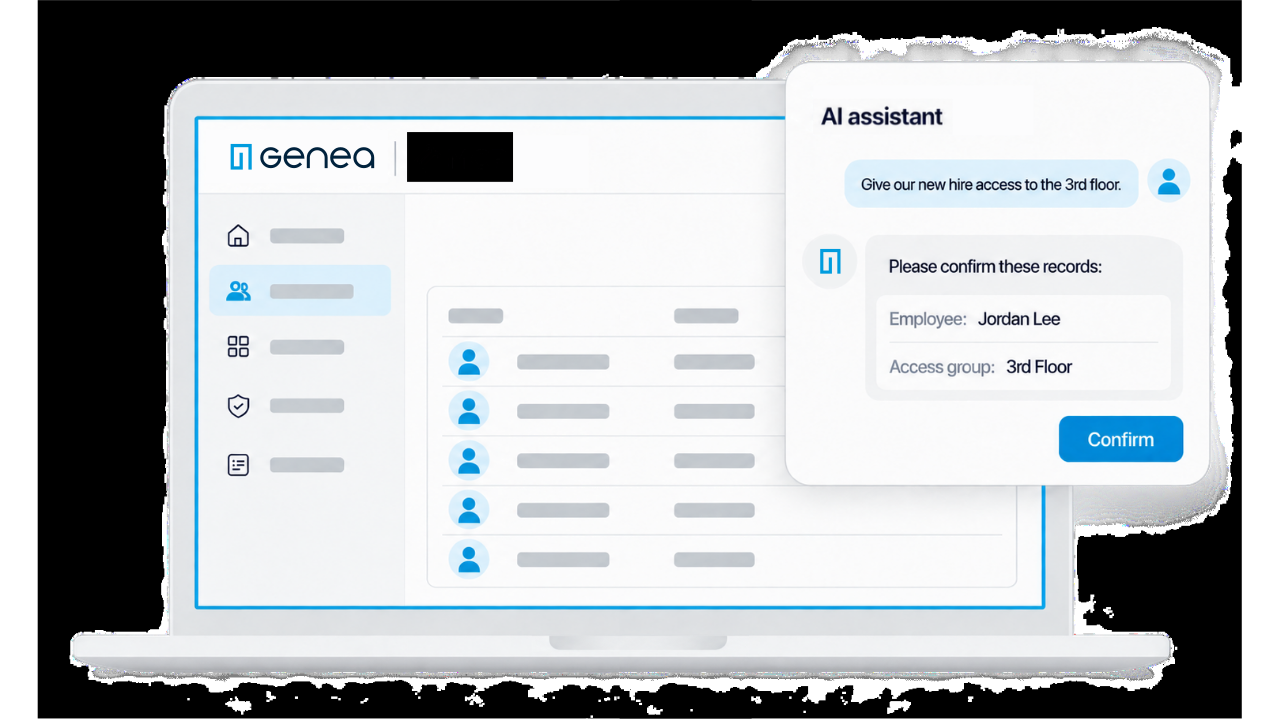
A laptop screen shows an access control dashboard with shooter detection integration. A popup displays an AI assistant confirming 3rd floor access for employee Jordan Lee, with options to confirm or cancel.
A man wearing glasses and a denim shirt smiles at his laptop in a bright office. A notepad and mug are on the table. A pop-up on his screen reads Enable MCP shooter detection.

Everything Routine, Handled by Asking

Manage the everyday work of access control from your AI assistant, with the same controls you rely on in Genea.

People and Groups

Add, update, and remove users, user groups, and access groups, including temporary access.

Doors and Schedules

Check door status, lock or unlock doors remotely, and manage schedules.

Credentials

Issue and manage cards, PINs, and mobile credentials.

Visitors

Invite and manage visitors ahead of their arrival.

Event and Audit Logs

Ask what happened and when, and see every action recorded under the person who made it.

Batch Changes from a List

Paste a list or share a CSV to make changes across many records at once, confirmed before anything is applied.

Use Cases

See how Genea MCP turns routine access work into a quick conversation.