
Introducing Genea Video: A Cloud Video Solution Built Into Access Control
Today we’re launching Genea Video, Genea’s own cloud-native video solution, built into the same platform you already use for access control and visitor management. It’s available now. You can watch live and recorded video, search every camera with AI, and see the footage tied to your door and badge events, all from Genea.
One of the things I hear most from customers is that they want to see video right where they manage their doors. Today, for most teams, access control and video still live in two separate systems. When something happens at a door, the badge event is in one place and the footage is in another. It’s no longer good enough to just have those two systems sit side by side. Genea Video puts them on one platform, with one login and one support team.
Genea Video at a glance
- What it is: Genea’s first-party, cloud-native video solution, built into the Genea platform for access control and visitor management.
- Cameras: Open, non-proprietary cameras. RTSP cameras connect through the on-site Genea Gateway, and supported Axis cameras connect straight to the cloud.
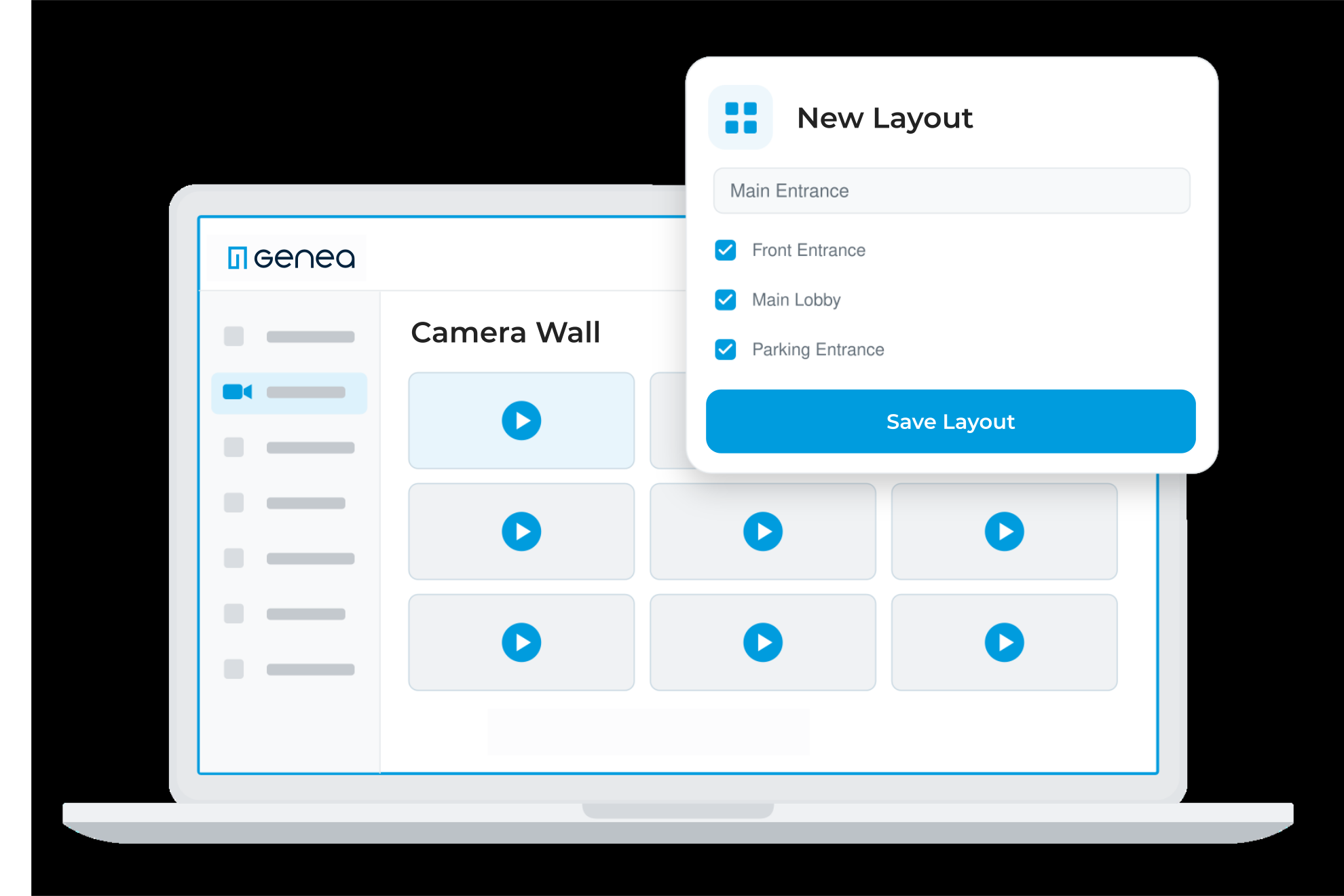
- What you get: Live view, recorded playback, camera walls, AI-powered search, area-of-interest search, event-linked video, clip creation, automations, and dashboard embedding.
- Where it runs: In the Genea portal on desktop and in the Genea mobile app.
- How to get it: Through Genea’s network of authorized integrator partners.
In this post, I’ll walk through what Genea Video is, which cameras work with it, what’s included at launch, and how to get started.
What is Genea Video?
Genea Video is a first-party video solution. That means we build it, we run it in the cloud, and we support it. It isn’t another vendor’s product connected through an integration.
We’ve integrated with third-party video platforms for years, and those integrations aren’t going anywhere. They still work, and for a lot of our customers they’re still the right fit. They show live video next to a door event. But searching footage, managing cameras, and pulling evidence still happens in a second tool, with its own login, its own bill, and its own support team. Our solution is for teams who want their video in Genea, right next to their access control.
With Genea Video, that work moves into the platform where you already manage doors, credentials, and visitors:
- One platform. Access control, visitor management, and video all run on Genea.
- One login. Your team uses the same portal and the same Genea mobile app for doors and cameras.
- One vendor. One bill and one support team for access and video, instead of two.

Which cameras work with Genea Video?
The first question I get about video is whether you have to replace your cameras. The answer is short: no. Genea Video works with open, non-proprietary cameras, so you can choose hardware from any vendor. There are two ways to connect them:
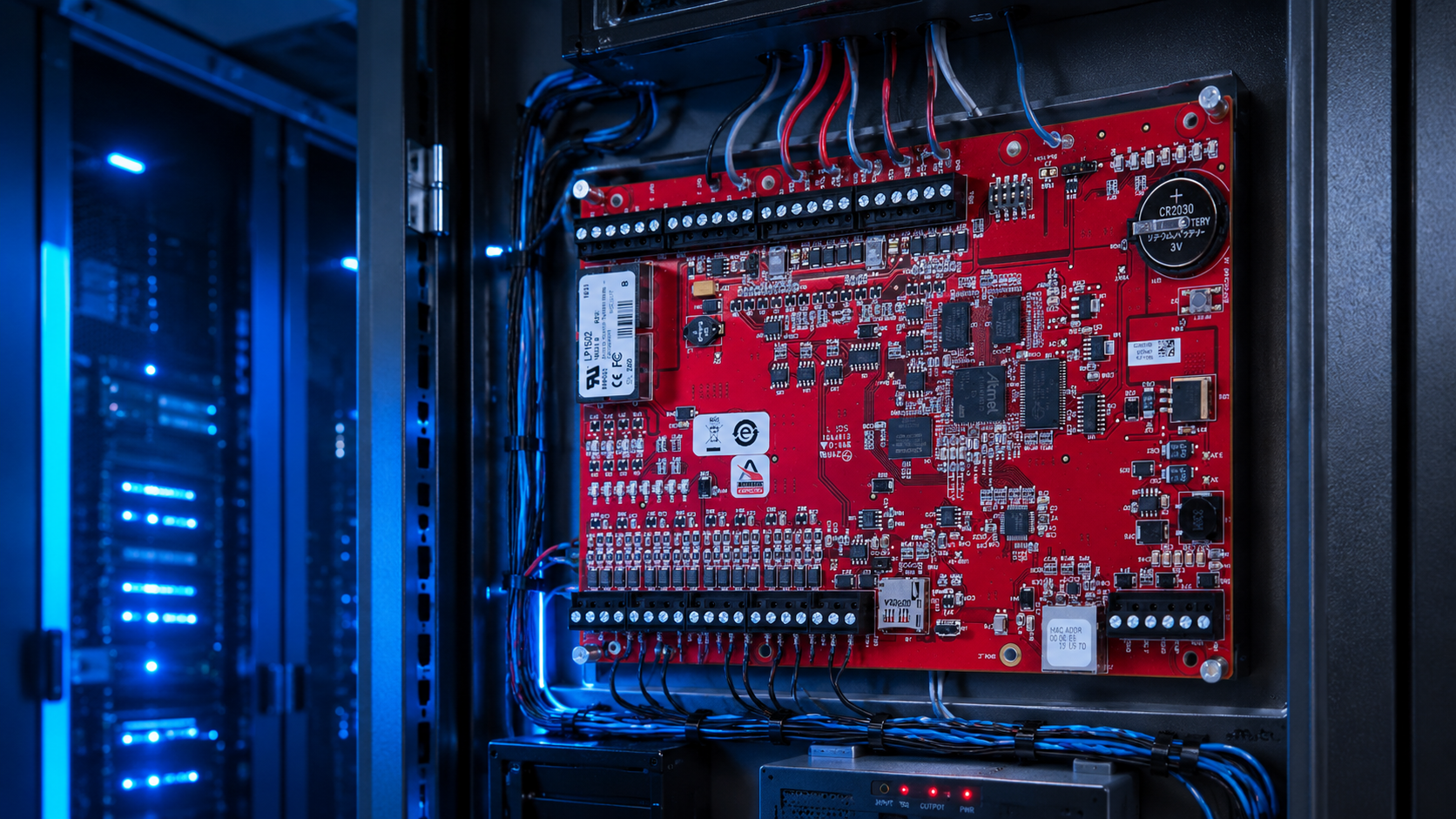
- Genea Gateway. An on-site appliance, built on the NVIDIA Jetson platform, connects RTSP cameras, records video locally, and runs AI at the edge. It comes in two sizes.
- Axis Camera-to-Cloud. Supported Axis cameras stream straight to the cloud, with no on-site hardware.
What can you do with Genea Video?
We didn’t set out to check every box on a feature list. We focused on what security teams actually do every day: find the footage, tie it to what happened at the door, and share it. Here’s what you get at launch:
- Find footage faster. AI-powered search works across every connected camera. Area-of-interest search narrows results to one part of the frame, like a single doorway or loading dock.
- Start from the door event. Event-linked video ties back to the door and badge events your cameras capture, so you’re not matching timestamps across two systems.
- Automate across your security stack. Automations connect video, access control, and events from supported intrusion systems in one place.
- Watch from anywhere. Live view, recorded playback, and custom camera walls work on desktop and in the Genea mobile app.
- Share evidence. Create and export clips to share with leadership or law enforcement.
- Keep video in your dashboards. Embed live video in the Genea dashboards your team already uses.
How do you get Genea Video?
Genea Video is available now through our network of authorized integrator partners.
- Already a Genea customer? You can add Genea Video to the platform you already run. Talk to your Genea integrator partner to get started.
- Using a third-party VMS with Genea today? That integration is still supported. You don’t have to change anything, and you can move to Genea Video when the timing is right for you.
- New to Genea? You can get access control, visitor management, and video together on one cloud-native platform.
See Genea Video in action
Your doors and your cameras now live on one platform. Your team can watch, search, and share video in the same place you manage access, with the door event and the footage side by side. Security teams are being asked to do more with less, and that’s the problem we built Genea Video to solve: simpler physical security, without locking you in or taking away your choice of cameras. Our early adopters have been really happy with it, and we’re just getting started.
One Platform. Every Angle.
Want to see it first? Join our live product walkthrough on October 29 at 12 p.m. ET. Save your spot.